
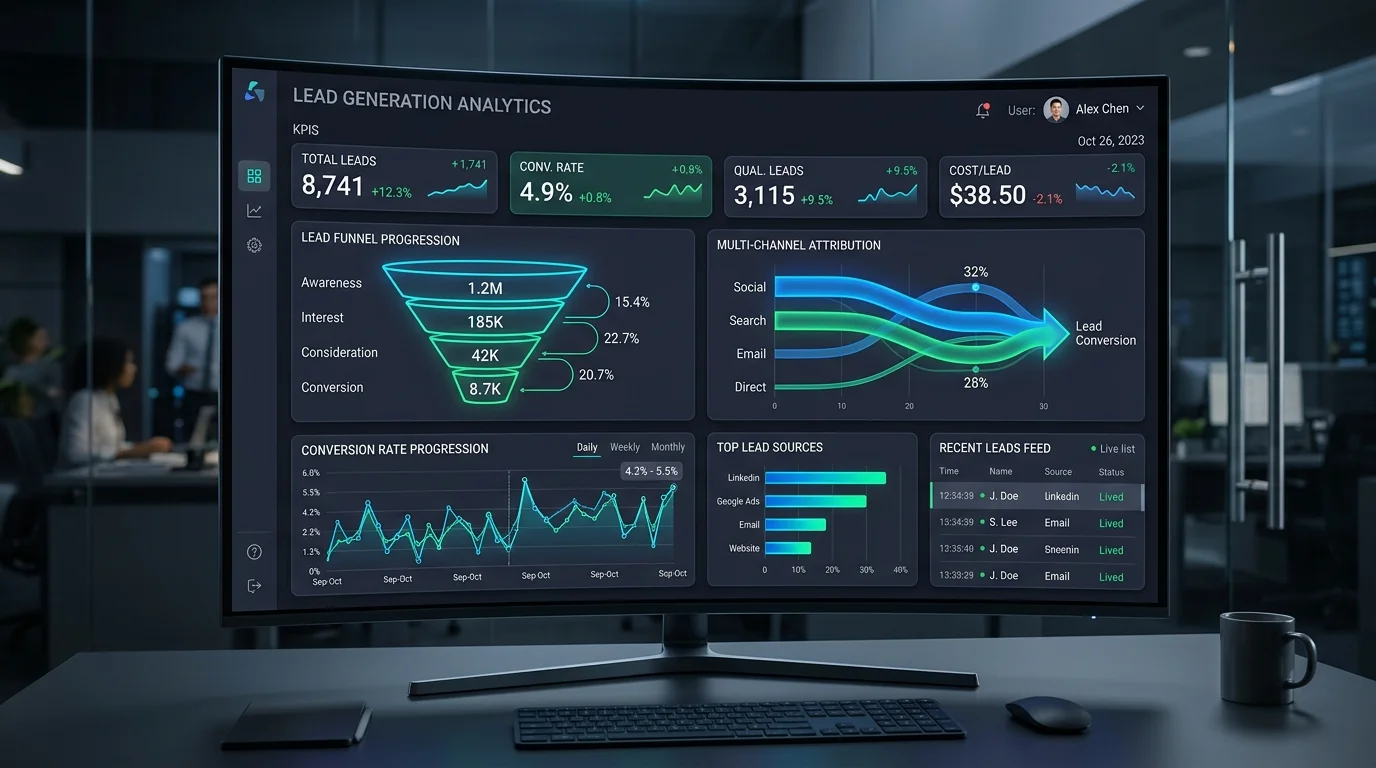
Most commercial analytics dashboards are cluttered with data that creates the illusion of insight while delivering zero commercial value. Marketing reports routinely highlight total sessions, raw pageviews, average engagement time, and bounce rates. Yet when executive leadership asks a direct business question—"Which digital marketing channels delivered qualified client inquiries that turned into revenue this quarter?"—the room falls silent.
This disconnect is particularly prevalent following the industry-wide transition to Google Analytics 4 (GA4). Many organizations simply migrated their legacy Universal Analytics habits into GA4, expecting the platform to function like a traditional pageview counter. But GA4 is not built around page loads; it is an entirely event-driven measurement framework designed to track specific user interactions across complex, non-linear buying journeys.
If your website exists to generate inbound business inquiries, client consultations, or service contracts, tracking superficial traffic is a waste of time. You need a disciplined measurement model that connects website behavior directly to commercial pipeline value. Here are the 9 actionable GA4 lead tracking metrics that growth-focused businesses should actually configure, monitor, and evaluate.
The Spectrum: Moving From Traffic to Commercial Revenue
Before examining specific metrics, businesses must adopt an operational framework that separates casual curiosity from genuine commercial intent. A successful lead generation analytics model categorizes data into five progressive tiers:
| Stage | What It Represents | Typical GA4 Measurement Points | Commercial Significance |
|---|---|---|---|
| 1. Volume (Traffic) | Raw audience reach and website visibility. | Sessions, active users, total pageviews. | Low. Useful only to verify top-of-funnel reach; provides zero indication of buyer intent. |
| 2. Engagement | Meaningful consumption of brand content. | Engaged sessions, scroll depth (90%), video completions, click to read. | Moderate. Proves audience interest, but does not identify prospective buyers. |
| 3. Lead Activity | Direct micro-actions expressing commercial interest. | Inquiry form submissions, click-to-call events, WhatsApp clicks, PDF brochure downloads. | High. The baseline threshold of an inbound commercial inquiry. |
| 4. Qualified Leads (MQL/SQL) | Inquiries matching ideal client profile (ICP) criteria. | Custom event parameters: budget threshold met, enterprise business email verified, geography qualified. | Critical. Separates spam, student inquiries, and sales pitches from genuine business opportunities. |
| 5. Pipeline Revenue | Commercial deals closed from website attribution. | Measurement Protocol offline conversion imports from CRM (deal value won). | Ultimate. The definitive measure of digital marketing return on investment (ROI). |
9 Critical GA4 Lead Tracking Metrics to Measure
1. Qualified Form Submission Rate (Key Events)
Tracking every generic form completion inflates your conversion metrics with spam, vendor pitches, and recruitment inquiries. In GA4, configure distinct custom event parameters (such as form_type: 'commercial_quote') and designate only commercial inquiries as Key Events (the official GA4 terminology replacing legacy "conversions").
Measure your Qualified Form Submission Rate by dividing qualified form submissions by total commercial sessions. A healthy B2B service benchmark typically ranges from 1.8% to 4.5% on dedicated service landing pages.
2. Direct Contact Initiation Rate (Call & Messaging Events)
In many service industries, high-intent prospective clients skip web forms entirely; they prefer immediate contact. If your website displays clickable phone numbers or direct WhatsApp integration links, failing to track these clicks creates massive blind spots in your marketing attribution.
Configure automated click listeners in Google Tag Manager that fire custom GA4 events:
- click_to_call (capturing the specific phone number clicked and originating page URL)
- whatsapp_chat_initiate (capturing user intent from floating widgets or contact buttons)
Measuring this metric reveals the true acquisition power of your mobile traffic, which often converts via direct calling at three times the rate of desktop visitors.
3. High-Intent Service Page Engagement Depth
Standard GA4 engagement time averages data across every page, including low-intent blog readers who browse for thirty seconds. What matters to your sales pipeline is whether prospective clients engage deeply with your commercial offerings.
Build an exploration report tracking visitors who spend at least 45 seconds on high-intent URLs (such as your core web development services or search engine optimization pages) combined with a 75% vertical scroll depth. Users who meet this threshold without converting represent your primary retargeting audience.
4. Session Key Event Rate by First-User Traffic Channel
Not all traffic sources generate equal commercial value. A common pitfall is evaluating marketing channels based on raw session volume. Your organic search channel might generate 10,000 monthly visits with a 0.5% lead conversion rate, while targeted pay-per-click advertising delivers 1,000 visits with a 4.2% lead conversion rate.
In GA4, evaluate the Session Key Event Rate grouped by First User Primary Channel Group. This metric reveals precisely where to allocate marketing capital by demonstrating which acquisition channels introduce users who ultimately convert.
5. Form Abandonment & Field Drop-Off Velocity
If 500 visitors land on your contact page every month, but only 15 submit an inquiry, where is the friction occurring? Tracking form abandonment exposes user experience barriers.
Using custom GA4 event tracking, measure form_start, form_progress, and form_submit. If your contact page shows a steep drop-off between start and submission, your form is asking for too much sensitive information too early, suffering from mobile validation errors, or generating friction that damages conversions. Resolving these UX barriers is central to disciplined website lead management optimization.
6. Organic Landing Page Commercial Efficiency
Many businesses publish educational blog content that generates hundreds of daily organic clicks but zero leads. Evaluating your Organic Landing Page Commercial Efficiency ensures your content marketing strategy serves business growth rather than vanity traffic goals.
In GA4, construct an exploration report cross-tabulating Landing Page with downstream Key Events. Identify which specific blog posts and resources actively drive users to explore commercial service pages and submit contact forms. Optimize or retire high-traffic articles that fail to create downstream business value.
7. Multi-Channel Assisted Lead Value
B2B and high-ticket service transactions rarely occur on a user's first visit. A typical customer journey involves multiple touches: discovering your brand via an organic search article, returning two days later via social media, and finally submitting an inquiry after clicking a branded search ad.
If you rely solely on standard "Last Click" attribution, your organic and content channels appear worthless because they rarely capture the final click. Use GA4's Attribution Models (under the Advertising section) to evaluate Data-Driven Attribution and path exploration reports. This metric quantifies the assisted value of early-stage discovery channels in driving final commercial inquiries.
8. Lead Conversion Latency (Time to Convert)
How many days and sessions elapse between a prospective client's first visit to your website and the moment they submit an inquiry? Understanding your Lead Conversion Latency dictates your follow-up cadence, email nurturing cycles, and ad retargeting durations.
In GA4 Path and User Exploration reports, analyze the Days to Key Event distribution. If your average B2B conversion latency is 18 days across 4 distinct sessions, expecting instant same-day conversions from top-of-funnel campaigns is a tactical misjudgment.
9. Offline Deal Close Rate via CRM Integration
The ultimate frontier of web analytics is closing the feedback loop between online lead tracking and offline sales revenue. A web inquiry is not revenue; it is simply an operational opportunity.
By capturing the unique GA4 client_id on form submission and passing it into your CRM, your engineering team can send offline conversion events back to GA4 via the Measurement Protocol when a deal is closed won. This allows GA4 to attribute actual revenue figures back to the original Google Ads campaign, organic keyword cluster, or referring partner.
Configuring Clean Lead Tracking in GA4: Common Mistakes to Avoid
Executing an effective lead measurement architecture requires avoiding common setup errors that contaminate enterprise reporting:
- Relying on Outdated Universal Analytics Logic: Do not attempt to force GA4 to replicate "Category / Action / Label" hierarchies. GA4 relies on flat, flexible event parameters. Embrace custom dimensions and structured parameter naming conventions.
- Leaving Enhanced Measurement on Autopilot: While GA4's automatic "form interactions" feature sounds convenient, it routinely misfires on newsletter signups, search bars, and third-party iframe forms. Disable automated form tracking in favor of precise, developer-validated Google Tag Manager triggers.
- Ignoring Data Retention Settings: By default, GA4 sets exploratory data retention to an unacceptable 2 months. Immediately log into your GA4 Property Admin → Data Settings → Data Retention, and change event data retention to 14 months to ensure year-over-year cohort analysis remains possible.
- Failing to Exclude Internal Traffic: If your internal team, remote developers, and sales reps visit the live website daily to test forms or review pages, their activity skews conversion rates and engagement metrics. Define internal IP filters under Data Streams → Configure Tag Settings.
Frequently Asked Questions (AEO)
What is the difference between a "Conversion" and a "Key Event" in GA4?
In early 2024, Google officially rebranded standard in-property conversions to "Key Events" across Google Analytics 4. A Key Event represents any high-value user action within your website—such as submitting an inquiry form or clicking a phone number—that you designate as critical for measuring site performance. The term "Conversion" is now reserved exclusively for Key Events that have been shared with Google Ads to optimize ad bidding and campaign performance.
Why does GA4's automated form tracking miss form submissions?
GA4's automated Enhanced Measurement form tracking relies on generic DOM submit browser events. Many modern web applications use AJAX, custom JavaScript validation, multi-step progress logic, or embedded iframes that do not trigger standard browser submit listeners. To ensure 100% data integrity, implement custom event tracking via Google Tag Manager using custom JavaScript triggers, API callback listeners, or dedicated thank-you page redirects.
How can a business track phone call leads inside GA4?
Direct phone inquiries can be tracked in GA4 using two methods. The simplest approach is capturing clicks on tel: links via Google Tag Manager to register a click_to_call event whenever a mobile visitor taps a phone number. For complete attribution that captures actual call completions, call durations, and caller identities from desktop and mobile visitors alike, integrate a dynamic number insertion (DNI) call tracking platform that pushes verified call events directly into GA4 via the Measurement Protocol.
What is the minimum engagement time required for an "Engaged Session" in GA4?
In standard GA4 configurations, a session qualifies as an "Engaged Session" if the visitor remains on the site for at least 10 seconds, views two or more pages, or triggers at least one Key Event. However, for complex B2B service websites where content is comprehensive, administrators can adjust the session timeout threshold up to 60 seconds in Property Settings to filter out superficial bounces and measure genuine reading depth.
Can GA4 track lead quality in addition to lead volume?
Yes. By passing custom event parameters alongside your lead submission events—such as selected budget range, company size, timeline, or verified corporate email domain—you can create custom dimensions in GA4. This allows your team to filter analytics reports to display only qualified leads matching your ideal customer profile, rather than treating every raw submission equally.
Turn Web Analytics Into Commercial Growth With Digitons
Tracking website metrics is meaningless if the data does not empower your leadership team to make smarter commercial investments. If your business is struggling to extract clear attribution, clean lead tracking, and actionable revenue insights from Google Analytics 4, partner with an analytics team that understands bottom-line commercial outcomes.
At Digitons Development, we architect end-to-end digital tracking solutions that eliminate data blind spots and connect marketing spend directly to commercial pipeline performance. Explore our comprehensive web analytics and tracking services, optimize your digital footprint with our search engine optimization expertise, or contact our digital analytics consultants today to audit your measurement framework.
Ready to turn these ideas into results?
Let's discuss how tailored digital marketing, custom web engineering, and targeted SEO can accelerate your business goals.