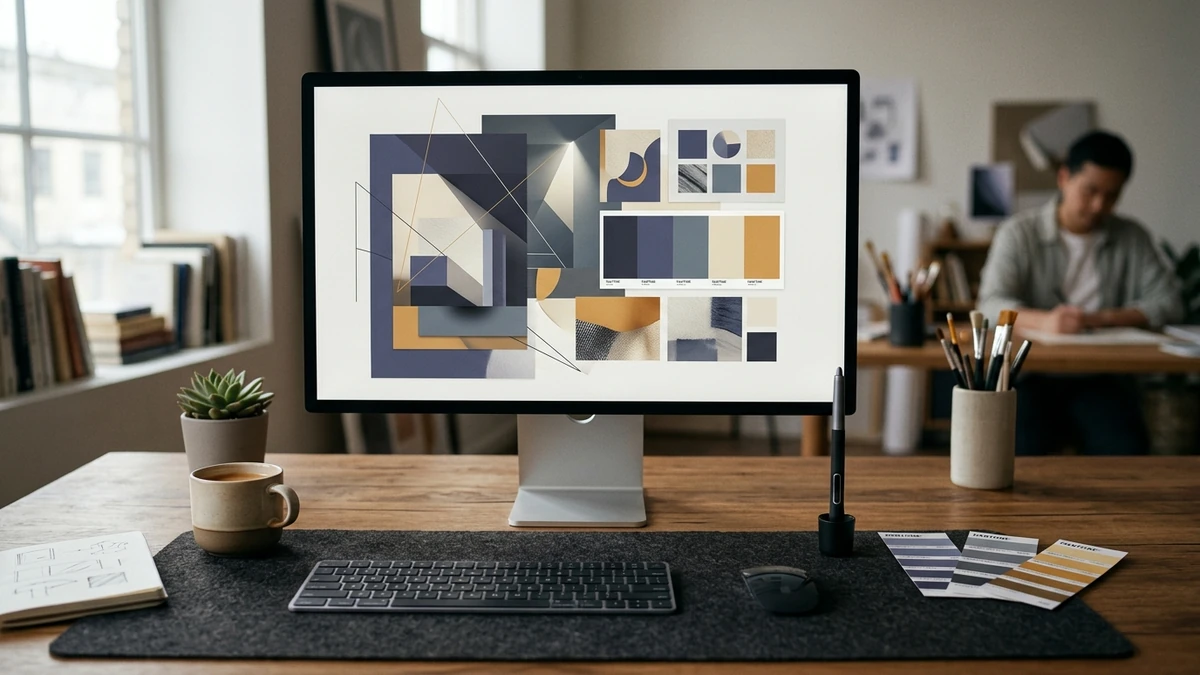
Marketing teams face relentless demand for visual assets. Between daily social media scheduling, regular blog publishing, email campaigns, and multi-channel digital advertising, creative bottlenecks frequently delay high-priority campaigns. When internal design resources are stretched thin, turning to a modern AI image generator offers a compelling proposition: producing high-resolution concepts in seconds rather than waiting days for preliminary drafts.
Yet generating an image is not the same as producing effective commercial collateral. Raw automated visuals often suffer from distorted details, illegible typography, awkward lighting, and generic aesthetics that erode customer trust. To generate real commercial value, businesses must treat AI image generation as an ideation and production accelerator—anchored by professional creative direction, rigorous editing, and cohesive brand standards.
Where AI Image Generation Excels in Business Workflows
Rather than attempting to replace human designers, agile marketing teams use generative image tools to remove friction across early-stage creative exploration. Practical commercial applications include:
- Campaign Concepting and Storyboarding: Exploring diverse thematic treatments, lighting styles, and compositions before committing agency hours or photoshoot budgets.
- Rapid Ad Creative Variations: Generating fresh background environments and seasonal lifestyle backdrops to combat audience ad fatigue on paid social channels.
- Editorial and Blog Featured Images: Creating tailored conceptual illustrations that visualize abstract topics such as cloud architecture, data privacy, or business analytics.
- Moodboards and Pitch Presentations: Assembling evocative visual references for client proposals, executive decks, and internal stakeholder alignment.
- Product Concept Exploration: Visualizing preliminary packaging shapes, industrial design concepts, and retail display ideas during early R&D phases.
Critical Limitations: Why Human Direction Remains Non-Negotiable
Despite rapid technological leaps, generative visual tools operate on mathematical probability rather than commercial intent. They do not understand your brand guidelines, customer psychology, or legal compliance. Businesses that deploy raw AI images directly to public touchpoints encounter several recurring risks:
- Typography and Text Rendering: Even advanced models struggle with precise typographic hierarchy, letter kerning, and clean text placement. Commercial headlines and callout copy must always be typeset manually by skilled designers.
- Brand Consistency: Generating a single attractive image is simple; generating twenty images that share identical color swatches, character features, lighting ratios, and stylistic cues across a quarterly campaign requires strict design governance.
- Product Accuracy: Generative models hallucinate mechanical details, button placements, and real-world proportions. They cannot reliably reproduce actual proprietary products without significant post-production retouching.
- Copyright and Commercial Licensing: Terms of service regarding commercial usage rights, indemnification, and copyright eligibility vary significantly across platforms. Businesses must review the commercial licensing terms of any generative tool used for client-facing assets.
The 7-Step Production Workflow: From Idea to Published Asset
To capture the speed of generative design while safeguarding brand reputation, professional marketing teams follow a structured quality control pipeline:
| Stage | Primary Action | Quality Focus & Deliverable |
|---|---|---|
| 1. Idea | Define objective & audience | Identify clear commercial context, visual goal, and channel requirements. |
| 2. Prompt | Engineer specific parameters | Specify camera perspective, lighting, color palettes, and stylistic boundaries. |
| 3. Generate | Produce multiple candidate batches | Generate 8–12 variations to identify compelling composition and depth. |
| 4. Review | Audit anatomical & factual details | Inspect hands, symmetry, perspective, artifacts, and factual plausibility. |
| 5. Edit | Human designer post-processing | Retouch blemishes, isolate subjects, adjust color curves, and composite elements. |
| 6. Brand | Integrate corporate identity | Apply official brand fonts, hex colors, vector logos, and structured layouts. |
| 7. Publish | Optimize export & deploy | Compress into modern formats (WebP/AVIF) with descriptive ALT text. |
Frequently Asked Questions
Can a business legally use AI-generated images in commercial marketing?
In most jurisdictions, raw AI-generated outputs currently lack traditional copyright protection, meaning competitors can technically reuse identical raw generations. However, commercial platforms permit business usage under paid enterprise licenses. Adding substantial human creative contribution—such as original layout composition, custom retouching, and branded typography—strengthens both commercial distinctiveness and intellectual property ownership.
Why do AI marketing images often look generic?
Generative diffusion models synthesize patterns from vast datasets, producing statistical visual averages. Without customized prompt constraints, negative prompts, curated seed images, and human design oversight, the output naturally mimics the most common visual tropes found online.
Can AI image tools replace a professional graphic designer?
No. While an AI image generator dramatically speeds up asset creation, it lacks strategic thinking, emotional nuance, and architectural understanding of visual branding. Professional designers use AI as an accelerator to deliver higher quality, faster turnarounds, and deeper creative testing.
How do we maintain color consistency across AI images?
Avoid relying on descriptive adjectives like "navy blue" in prompts. Provide explicit hex color codes, specify camera sensors and studio lighting conditions, or apply proprietary Color Lookup Tables (LUTs) in post-production software.
Elevate Your Brand's Visual Authority
Generative technology allows businesses to move faster, but distinctive brand identity still requires strategic direction, visual storytelling, and human craftsmanship. Explore our specialized creative design services to build cohesive visual systems, or read our perspective on why generic AI visuals hurt brand credibility. To upgrade your brand's digital marketing collateral, contact Digitons Development today.
Ready to turn these ideas into results?
Let's discuss how tailored digital marketing, custom web engineering, and targeted SEO can accelerate your business goals.