What a Website Development Approach Means
When you decide to build or rebuild a business website, the "approach" refers to the foundational technology stack, architecture, and methodology used to bring that digital presence to life. Broadly speaking, businesses choose between building from scratch (custom development), leveraging an existing framework (CMS), or using highly restrictive templates. Each approach has profound implications for cost, timelines, and long-term viability.
Why Choosing the Right Approach Matters
Selecting the wrong development approach is one of the most expensive mistakes a business can make. A poorly chosen foundation can lead to slow loading speeds, critical security vulnerabilities, inability to scale as the business grows, and endless developer costs to force a system to do something it wasn't built for. Conversely, the right web development strategy ensures a seamless user experience, high search engine visibility, and a robust architecture that supports business goals for years.
Custom Website Development
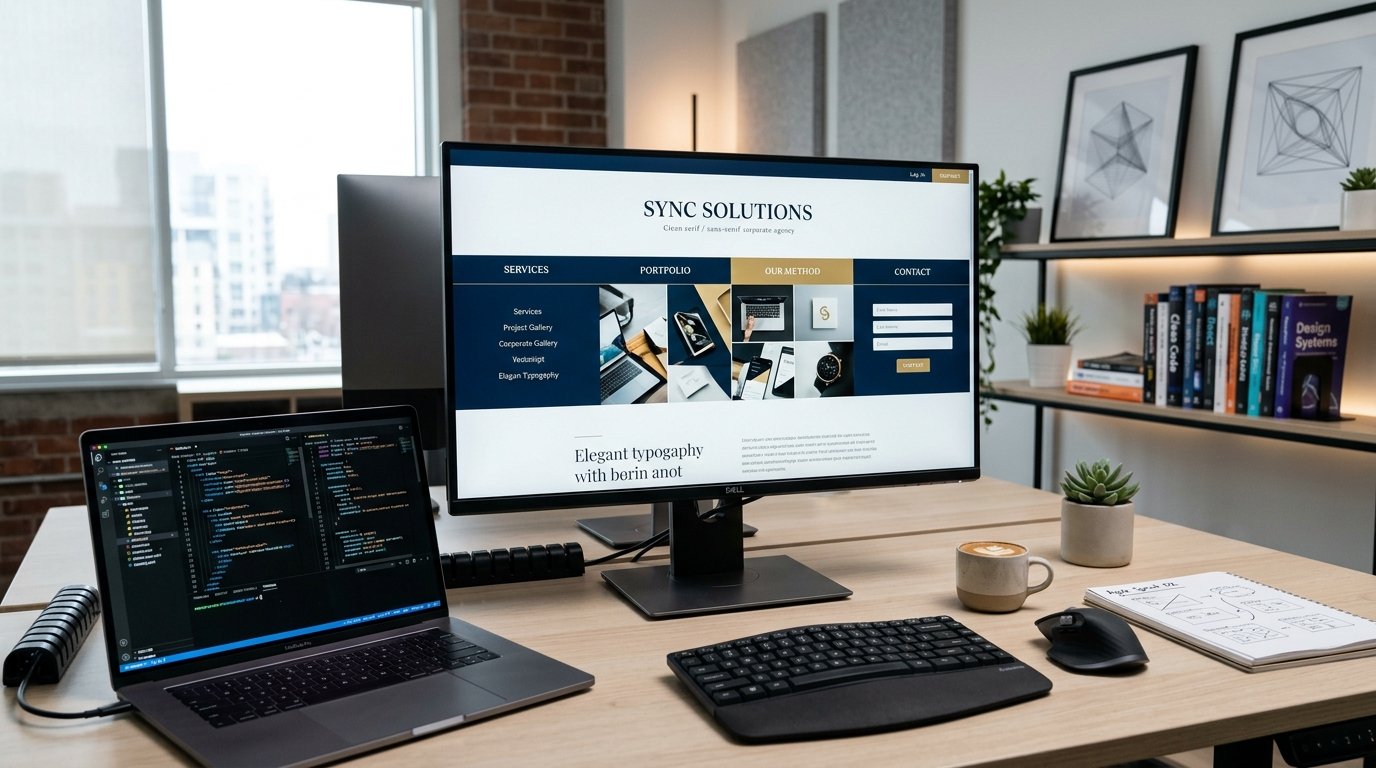
Custom development means building a website from the ground up without relying on pre-packaged software or drag-and-drop builders. Developers write custom HTML, CSS, JavaScript, and backend code tailored exactly to the business's logic and design requirements.
CMS-Based Website Development
A Content Management System (CMS) like WordPress or Shopify provides a pre-built framework that handles the backend database and user management out of the box. A professional developer then builds a custom theme and extends the functionality using plugins or custom code to match the business needs.
Template-Based Websites
Template-based approaches (like Wix or basic Squarespace setups) rely on pre-designed layouts where users simply swap out text and images. While extremely fast and cheap, they offer the lowest flexibility, lowest performance ceilings, and generic aesthetics.
Custom vs. CMS Comparison
While custom development offers unparalleled performance, unlimited scalability, and exact alignment with complex business logic, it requires a higher initial investment and longer timelines. A CMS approach significantly reduces development time and allows non-technical staff to update content easily, but it may require ongoing plugin maintenance and can suffer from performance bloat if not engineered correctly.
Choosing Based on Business Size
Small businesses and local startups often thrive on a professionally developed CMS website, as it provides the necessary features at an accessible price point. Mid-market and enterprise companies, or businesses whose primary product is digital (like SaaS platforms), almost exclusively require custom website development to handle complex architectures and high traffic loads.
Choosing Based on Budget
Budget constraints are a reality. If capital is limited, investing in a highly optimized CMS is far better than a poorly executed custom build. However, businesses must factor in the Total Cost of Ownership (TCO). A cheap template site might cost thousands in lost conversions and constant redesigns, while a custom build represents a long-term capital investment.
Scalability and Future Growth
If your business plans to rapidly expand its product lines, enter new international markets, or integrate complex enterprise resource planning (ERP) tools, custom development is usually the safest choice. Custom architectures scale horizontally and vertically much easier than trying to force a generic CMS to handle enterprise-level complexity.
Website Performance
Performance is non-negotiable. Search engines penalize slow websites, and users abandon them. Custom websites generally outperform CMS sites because they lack the "code bloat" associated with plugins and generalized databases. However, a highly skilled developer can optimize a CMS to perform exceptionally well by implementing advanced caching and lean website design.
Security and Maintenance
Because popular CMS platforms are widely used, they are frequent targets for automated hacking attempts. A CMS requires vigilant maintenance, plugin updates, and strict security hardening. Custom builds are generally less susceptible to automated attacks because their underlying code is proprietary and hidden, though they still require standard security best practices.
SEO Considerations
Search Engine Optimization is deeply tied to development. Both custom and CMS platforms can achieve excellent SEO if coded correctly. However, a custom site gives developers absolute control over the DOM, schema markup, and Core Web Vitals, allowing for microscopic optimizations that outrank competitors.
Mobile Responsiveness
Regardless of the approach, mobile-first design is mandatory. Whether utilizing a CMS or a custom framework, the development team must ensure that the site reacts fluidly to any device size, prioritizing touch interfaces and fast loading on cellular networks.
Integrations and Third-Party Systems
Does your website need to talk to Salesforce, a custom inventory tracker, or a proprietary booking engine? Custom development excels at API integrations, creating seamless data flows. While a CMS can handle many standard integrations via plugins, highly specific data syncing often requires custom middleware.
When Custom Development Makes Sense
- Your business requires unique functionality that doesn't exist in standard plugins.
- Security and data compliance (e.g., HIPAA) are paramount.
- You expect massive spikes in web traffic and need enterprise-grade scalability.
- You want absolute control over every pixel and line of code for maximum performance.
When a CMS Makes More Sense
- Your primary goal is content marketing, publishing frequent blogs, or news updates.
- You have a standard e-commerce model without highly complex custom pricing algorithms.
- Your marketing team needs to build landing pages independently without developer intervention.
- You are looking for a faster time-to-market with a proven, robust foundation.
Common Mistakes Businesses Make
- Choosing Price Over Value: Selecting a cheap template that hurts brand trust.
- Over-Engineering: Spending heavily on a custom app when a simple CMS would suffice.
- Ignoring Maintenance: Failing to realize that a CMS requires ongoing security updates.
- Neglecting SEO During the Build: Treating SEO as an afterthought rather than a structural requirement.
A Practical Decision-Making Checklist
Before committing to an approach, ask your team:
- What is the primary function of this website (brochure, e-commerce, web app)?
- Who will manage the day-to-day content updates?
- What systems (CRM, email marketing, inventory) must it integrate with?
- What is the realistic budget for both the build and ongoing maintenance?
- What are our traffic and growth expectations for the next 3 to 5 years?
Conclusion
There is no one-size-fits-all answer to website development. The right approach is the one that perfectly balances your immediate budget with your long-term growth objectives. By understanding the distinct advantages of custom and CMS development, you can make an informed, strategic decision that drives your business forward.
Frequently Asked Questions (FAQ)
Which development approach is the cheapest?
Template-based builders are the cheapest initially, but they often cost more in the long run due to limited scalability and poor conversion rates. A standard CMS offers the best balance of cost and functionality for most small to medium businesses.
Is WordPress secure enough for a business website?
Yes, provided it is professionally developed, hardened, hosted on a secure server, and maintained diligently. Most WordPress security breaches occur on neglected sites with outdated, vulnerable plugins.
How long does custom website development take?
Custom builds generally take anywhere from 3 to 6 months, depending on the complexity of the design, database architecture, and required integrations. CMS builds typically take 6 to 12 weeks.
Can I migrate from a CMS to a custom build later?
Yes. Many businesses start with a CMS to validate their market and generate revenue, and later migrate to a custom build when their technical requirements outgrow the platform.
Does a custom website automatically have better SEO?
No. While a custom site provides the developer with ultimate control to optimize technical SEO perfectly, achieving high rankings still requires high-quality content, strong backlinks, and a solid overall SEO strategy.
Build the Perfect Digital FoundationUnsure which development approach is right for your goals? Partner with Digitons Development. We specialize in both high-performance CMS solutions and complex custom builds. Contact us today to discuss your project.
Ready to turn these ideas into results?
Let's discuss how tailored digital marketing, custom web engineering, and targeted SEO can accelerate your business goals.